
1° Download the downgrade files and the latest version of the NoChipFirmwareUpgrade program
2° Extract the downgrade files
3° Click on Upgrade firmware in the NoChipFirmwareUpgrade program
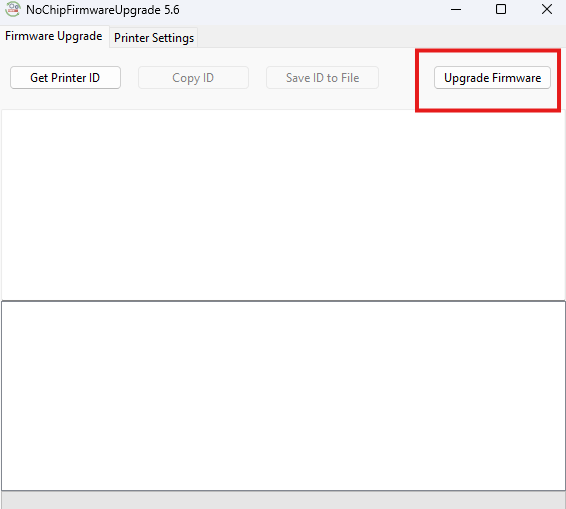
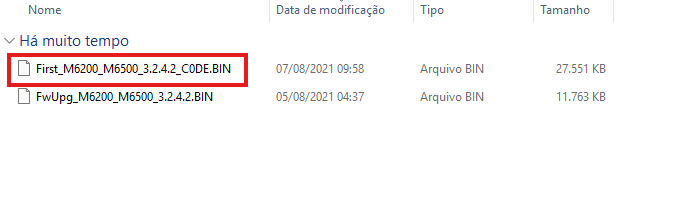
4° Select the First_M6200_M6500_3.2.4.2_C0DE.BIN file and wait for the printer to restart.
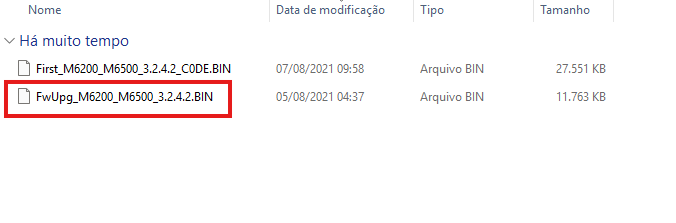
5° After the printer restarts, repeat the procedure, but this time with the FwUpg_M6200_M6500_3.2.4.2.BIN file
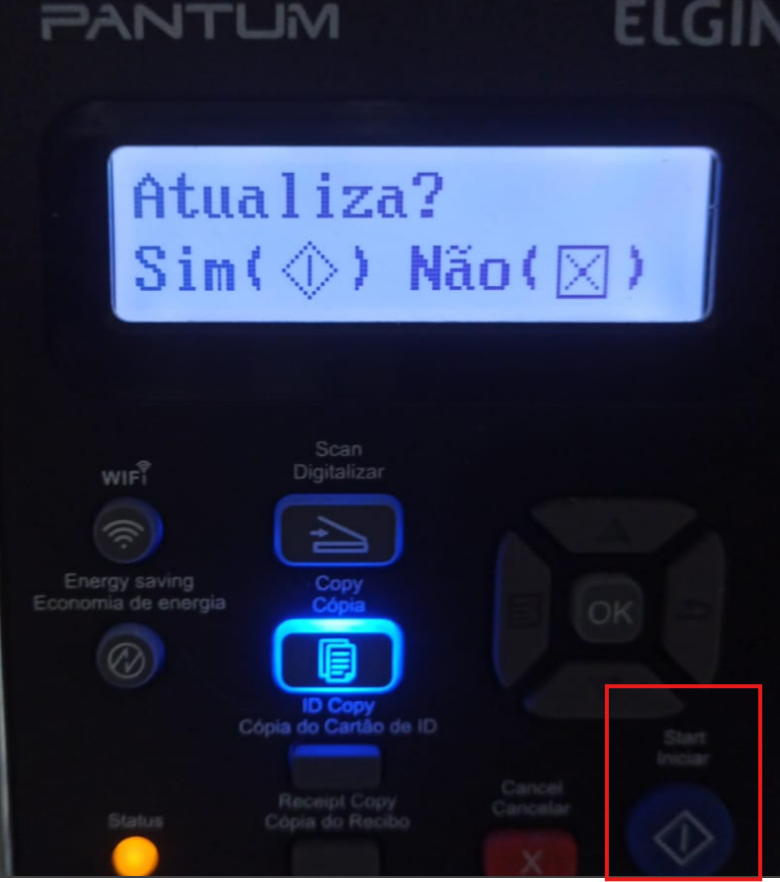
6° The following message will appear on the printer display:
As soon as this message appears, you will press the blue button (start).
7° This message will appear: “Updating ver. Do not close”.
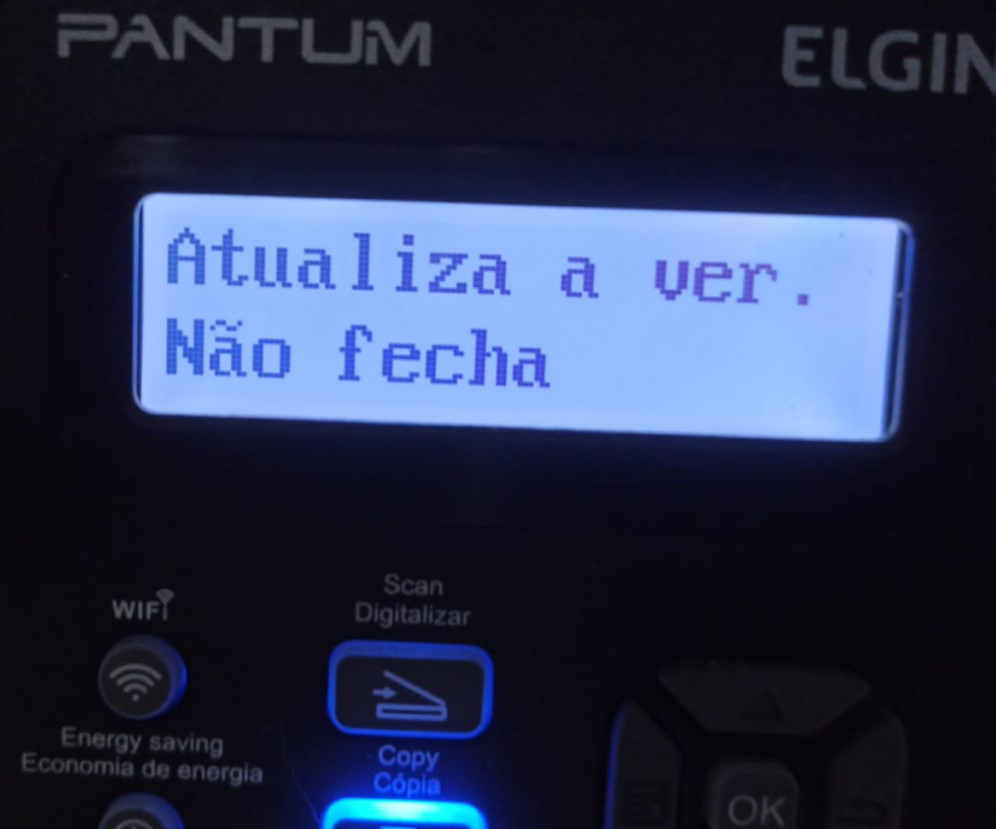
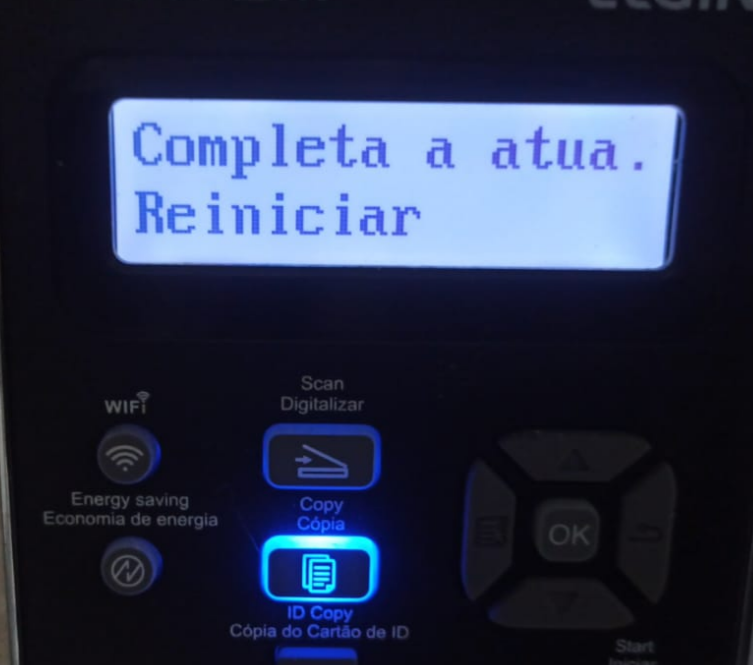
8° As soon as “Update complete. Restart” appears, you must turn the printer off and on
9° Generate the ID again and place the order on the website. You should now be able to perform the Reset. If you have any questions, please contact us.


