1
Verification
2
Place Order
Generate Reset
To get the printer reset, follow these steps:
- Download the NoChipFirmwareUpgrade program
- Connect the printer to computer via USB (install driver if needed)
- Click the [Get Printer ID] button
- Copy the generated ID and paste it below. Click Verify Printer
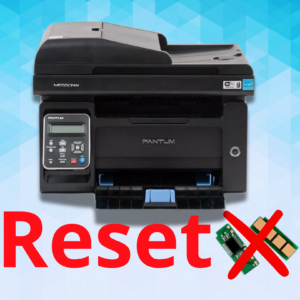
Reset Pantum M6700 | M6700dw
Reset is software that unlocks the printer or multifunction printer so that it no longer uses a chip in the toner and imaging unit. After the reset you will be able to use compatible toners and consumables on your machine. Reset compatible with: Pantum M6700
How to do the reset:
1st – Connect the printer to the computer via USB and click on “Get Printer ID”
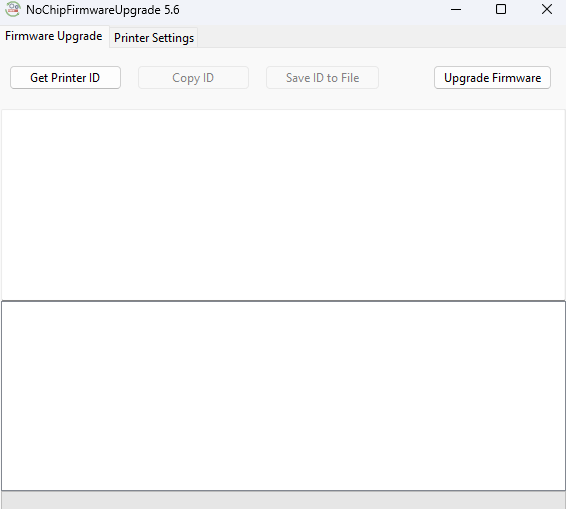
2nd – Copy the generated code, paste it on the generator page and click on “Verify printer”
3rd – Download the Pantum M6700 Reset file
In the program, click on firmware upgrade and select the file. Wait for the device to completely restart